Smart Ways to Organize Your Photo Storage: Tips for a Clutter-Free Digital Life
In today’s digital age, our photo collections can quickly spiral out of control. Whether you’re a casual smartphone snapper or a professional photographer, learning smart ways to organize your photo storage is essential for keeping memories accessible and stress-free. If you’ve ever spent hours scrolling through thousands of images to find that one vacation shot, you’re not alone. This guide dives into practical photo organization tips, from cloud storage solutions to tagging strategies, helping you reclaim control over your digital albums.
Organizing photo storage isn’t just about tidiness—it’s about efficiency, security, and preserving precious moments. With the average person taking over 20 photos a day, according to recent stats, our devices and drives fill up fast. By implementing these smart methods, you’ll save time, reduce frustration, and even free up space on your phone or computer. Let’s explore how to organize photos effectively, step by step.
Why Organizing Your Photo Storage Matters
Before we jump into the how-to, let’s talk about the why. Disorganized photo storage leads to lost memories, duplicated files, and wasted storage space. Imagine trying to create a family slideshow but getting bogged down by irrelevant screenshots or blurry outtakes. Proper organization ensures quick access, better backups, and peace of mind.
From a practical standpoint, well-organized photos are easier to share on social media or print for albums. Plus, with data breaches on the rise, structured storage helps you secure sensitive images. Whether you’re dealing with personal snapshots or professional portfolios, these photo organization tips can transform chaos into order.
Start with a Photo Audit: Declutter Before You Organize
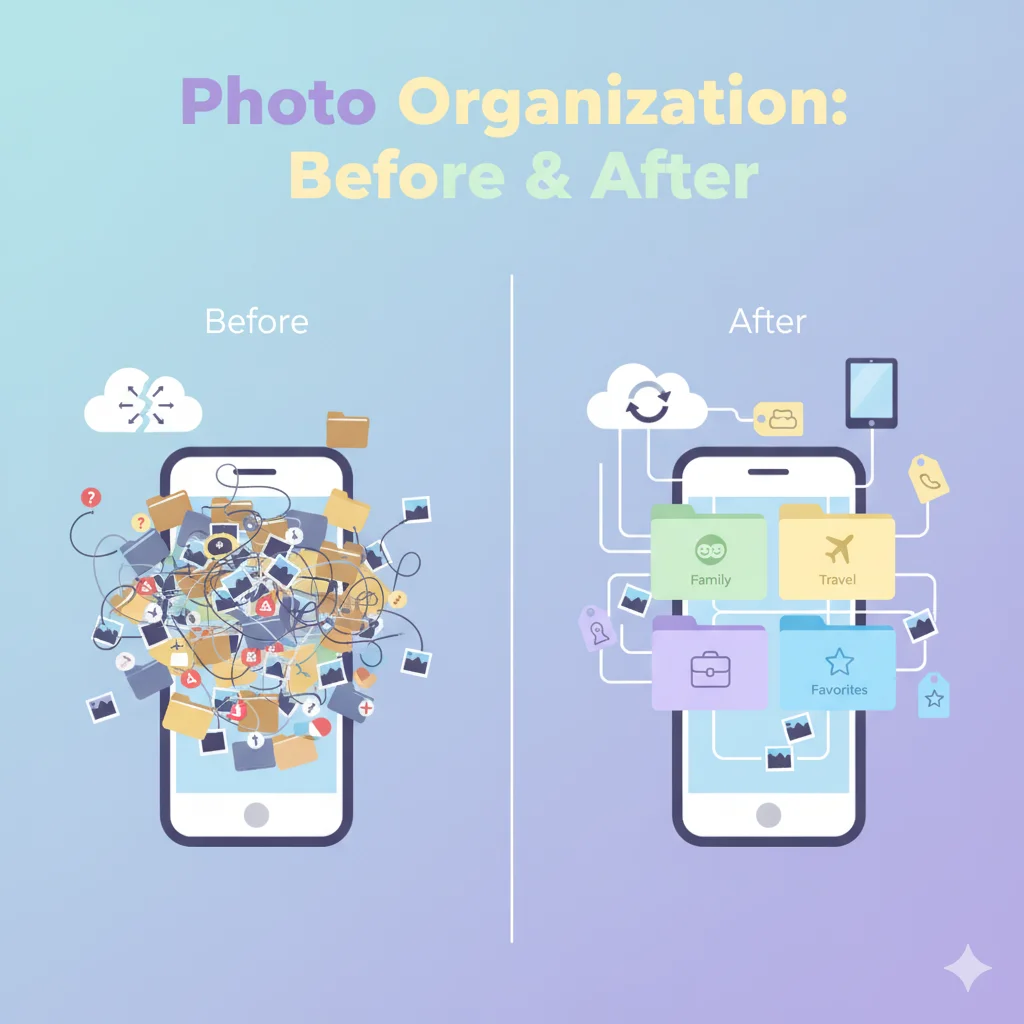
The first smart way to organize your photo storage is to conduct a thorough audit. Go through your entire collection—phone, computer, external drives, and cloud services—and delete duplicates, low-quality shots, and irrelevant files. Tools like Google’s Photos app or Apple’s Photos can automatically detect duplicates, making this process quicker.
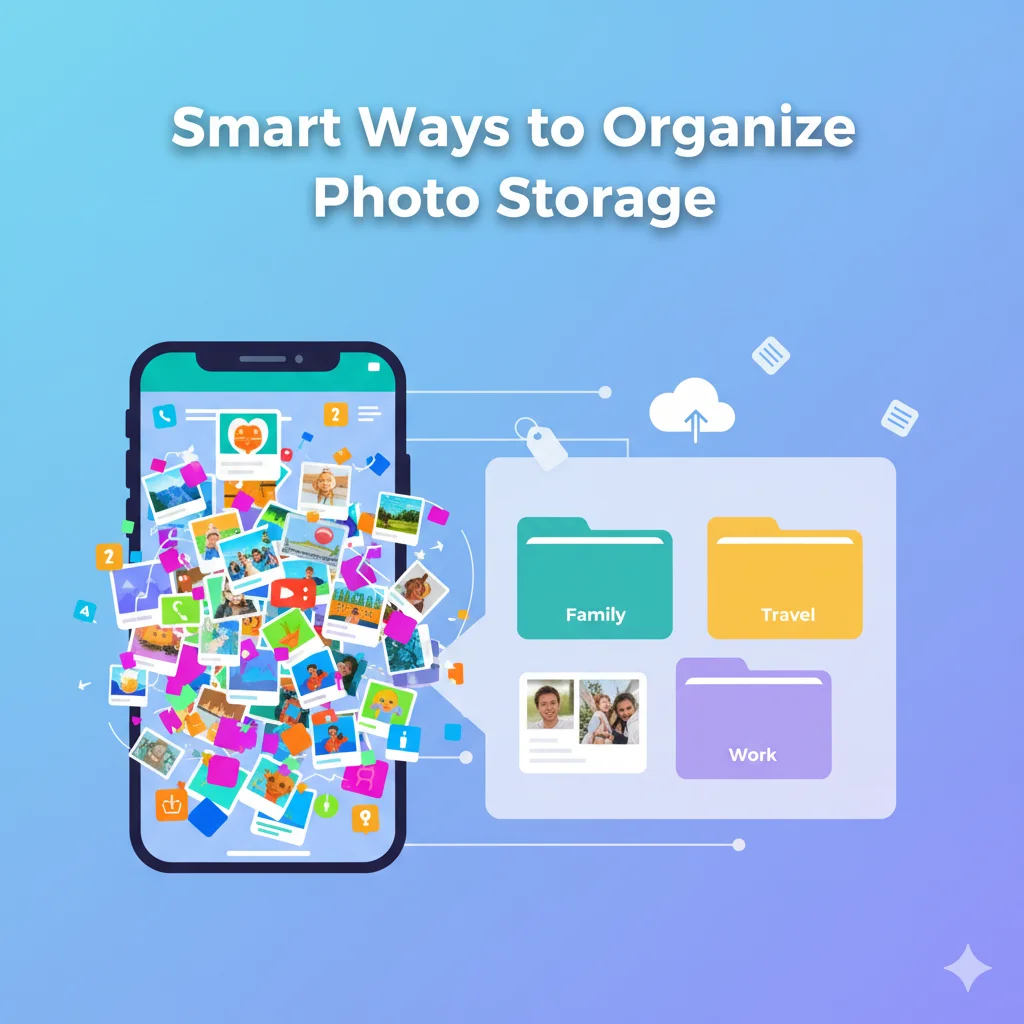
Set aside time each month for this. Sort photos into broad categories like “Family,” “Travel,” “Work,” and “Misc.” Use built-in features on your device: For iPhone users, the “Recently Deleted” folder gives you a safety net. On Android, apps like Gallery Go help with basic sorting.
This step alone can free up gigabytes of space. Remember, less clutter means easier ongoing management. Pro tip: Back up everything before deleting to avoid regrets.
Leverage Folder Structures for Logical Organization
Once decluttered, create a robust folder system. This is one of the most straightforward photo organization tips for long-term success. Think hierarchically: Start with year-based folders (e.g., “2025 Photos”), then subfolders by month or event (e.g., “January Birthday Party”).
For deeper organization, add tags or labels. On Windows, use File Explorer to rename and group files. Mac users can rely on Finder’s smart folders that auto-populate based on criteria like date or location.
If you’re using external hard drives, label them physically and digitally. Invest in a NAS (Network Attached Storage) device for home-based cloud-like access. This setup ensures your photos are findable without endless searching.
Embrace Cloud Storage Solutions for Accessibility
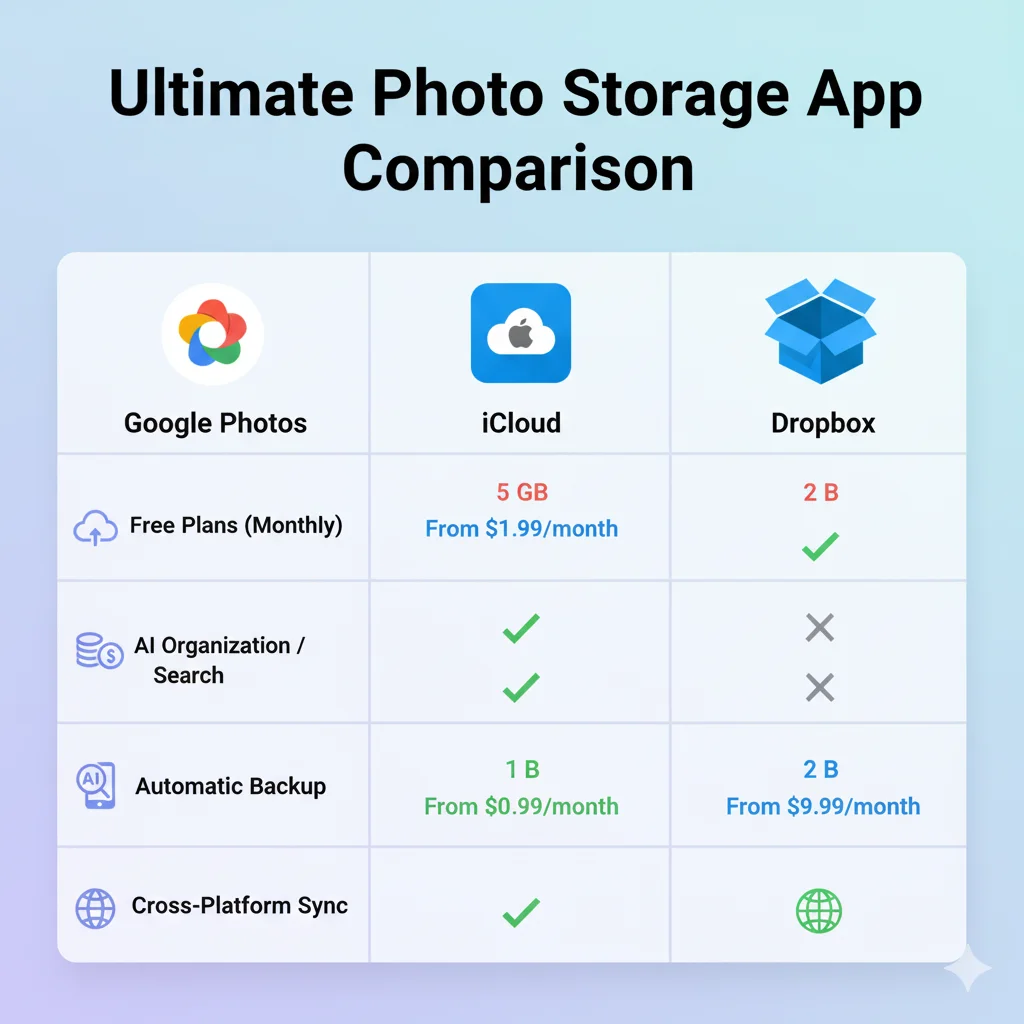
Cloud storage is a game-changer for organizing photo storage. Services like Google Photos, iCloud, Amazon Photos, or Dropbox offer unlimited or generous storage with built-in organization tools. Google Photos, for instance, uses AI to categorize images by people, places, and things—automatically!
Upload your photos and let the platform do the heavy lifting. Set up automatic backups from your phone to prevent loss. For privacy-conscious users, opt for end-to-end encrypted options like pCloud.
Pinterest users love visual boards, so integrate your organized photos into mood boards or inspiration pins. Share albums via links for collaborative family projects. The key is choosing a service that syncs across devices, ensuring your photos are always at your fingertips.
Use Tagging and Metadata for Advanced Searchability
Tagging takes photo organization to the next level. Add keywords like “beach vacation 2024” or “wedding rehearsal” to make searches instant. Apps like Adobe Lightroom or digiKam allow batch tagging, saving hours.
Leverage metadata—embedded info like date, location, and camera details. Tools such as ExifTool let you edit this data for custom sorting. For example, geotag photos from trips to map them visually.
This method is especially useful for large libraries. Imagine searching “Paris Eiffel Tower” and pulling up exact matches. It’s smart, efficient, and scales with your growing collection.
Incorporate AI and Apps for Effortless Management

AI-powered apps are revolutionizing how we organize photos. Google Photos’ facial recognition groups people automatically, while Amazon Rekognition analyzes content for themes.
Free apps like Mylio or Ever consolidate photos from multiple sources into one library. For professionals, Lightroom’s cloud version offers non-destructive editing with organization features.
Don’t overlook smartphone built-ins: iOS’s Memories creates auto-albums, and Android’s Google Lens identifies objects for tagging. These tools make organization feel effortless, turning manual work into automated bliss.
Physical Photo Storage: Don’t Forget the Tangibles
While digital dominates, many still have physical prints. Smart ways to organize physical photo storage include acid-free boxes, divided by era or theme. Use photo sleeves or albums with labels for easy flipping.
Scan old photos using apps like PhotoScan by Google to digitize them, then integrate into your digital system. This hybrid approach preserves history while modernizing access.
For heirlooms, store in climate-controlled environments to prevent fading. Combine with digital backups for ultimate security.
Backup Strategies to Protect Your Organized Collection
No organization plan is complete without backups. Follow the 3-2-1 rule: Three copies, two different media, one offsite. Use external drives for local backups and cloud for remote.
Automate with tools like Backblaze or Time Machine. Regularly test restores to ensure data integrity. Encrypt sensitive folders to guard against theft.
This safeguards your efforts, ensuring organized photos survive device failures or accidents.
Common Mistakes to Avoid in Photo Organization
Even with the best intentions, pitfalls abound. Avoid overcomplicating folders—keep structures simple. Don’t rely solely on one platform; diversify to mitigate risks.
Neglecting regular maintenance leads to backsliding, so schedule monthly reviews. Finally, skip low-quality storage devices; invest in reliable hardware to prevent corruption.
Maintaining Your System Long-Term
Sustainability is key. Set reminders for audits and backups. As your life evolves, adapt categories—add “Pets” if you get a furry friend.
Involve family in shared albums for collective input. Over time, this habit becomes second nature, keeping your photo storage smart and organized.
Conclusion: Take Control of Your Photo Memories Today
Organizing your photo storage doesn’t have to be overwhelming. By auditing, structuring folders, leveraging cloud and AI, and backing up diligently, you’ll enjoy a streamlined digital life. These smart ways not only save time but enhance how you relive moments.
Start small: Pick one device and apply these tips today. Your future self will thank you when that perfect photo is just a search away. For more inspiration, pin these ideas on Pinterest or search “photo organization tips” on Google for community hacks.